Our Team
Hung, Nhu, Tran, Nhat, Dung

No mouse? No problem! Use your hand movements to control the cursor, click, scroll, and zoom.
Get StartedHung, Nhu, Tran, Nhat, Dung
Our system supports various hand gestures to control your computer effortlessly.
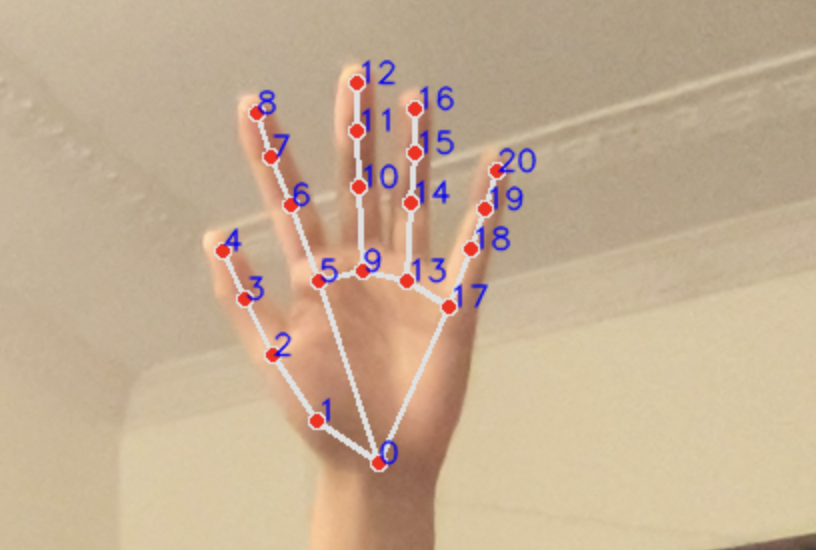
Move your hand to control the cursor smoothly.
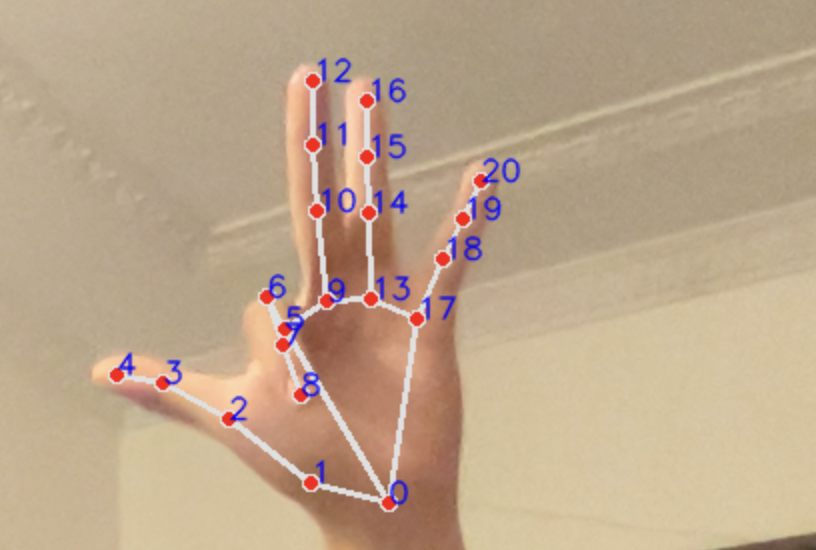
Use index finger gestures to perform different clicks.
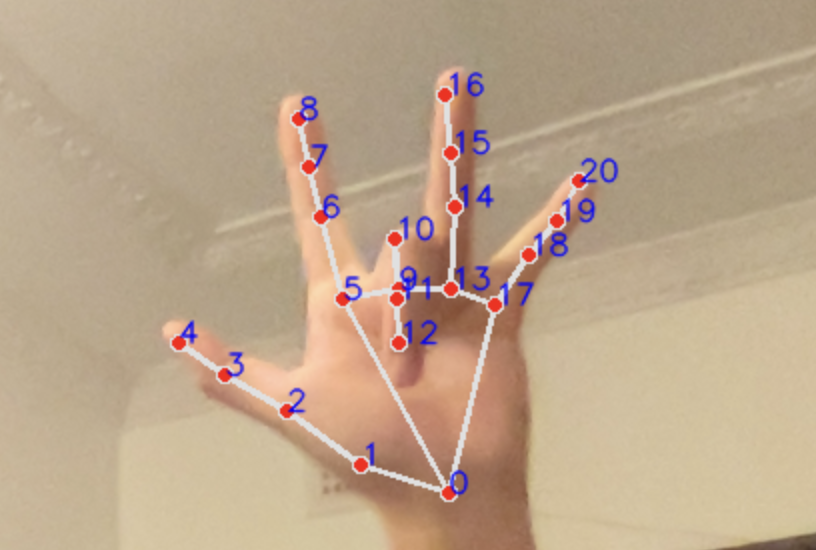
Use middle finger gestures to perform different clicks.
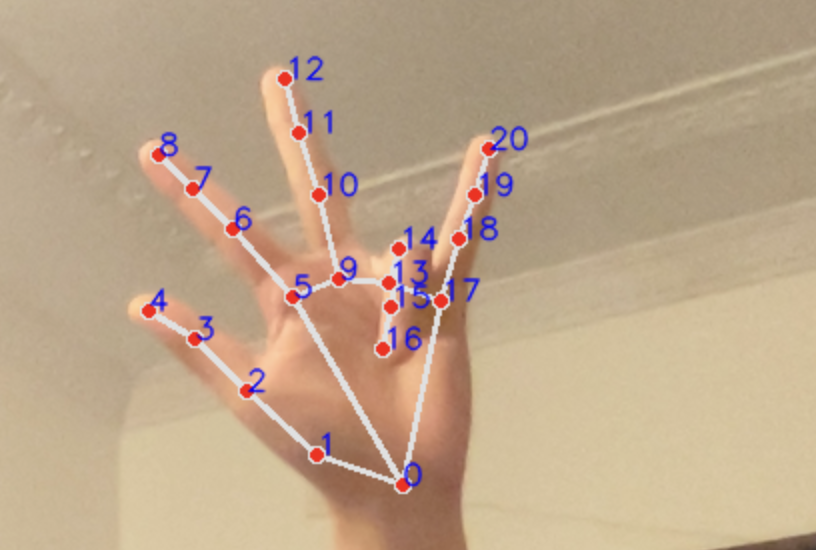
Use ring finger gestures to perform different clicks.
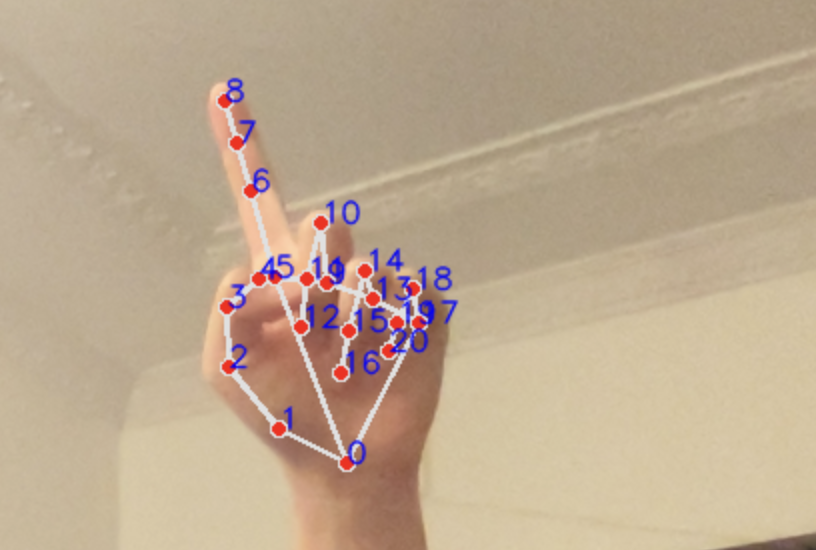
Scroll down by raising your pinky.
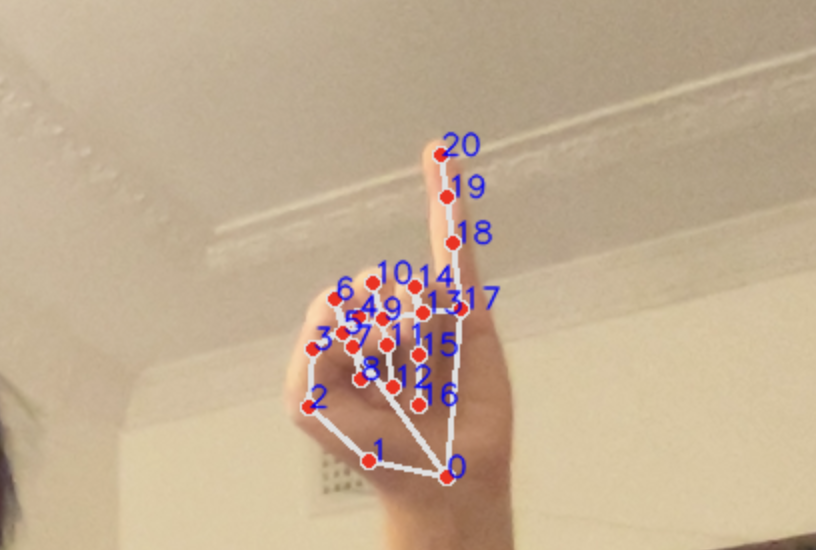
Scroll up by raising your index finger.
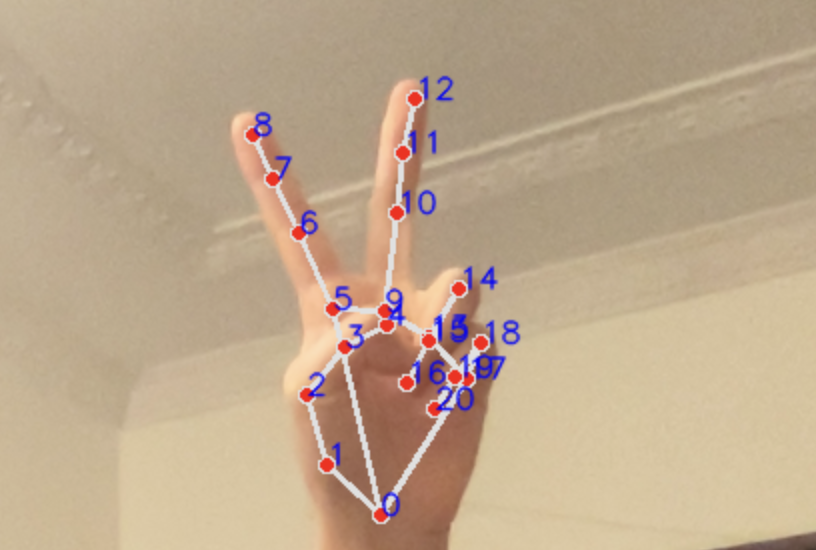
Zoom in by raising your index and middle fingers.
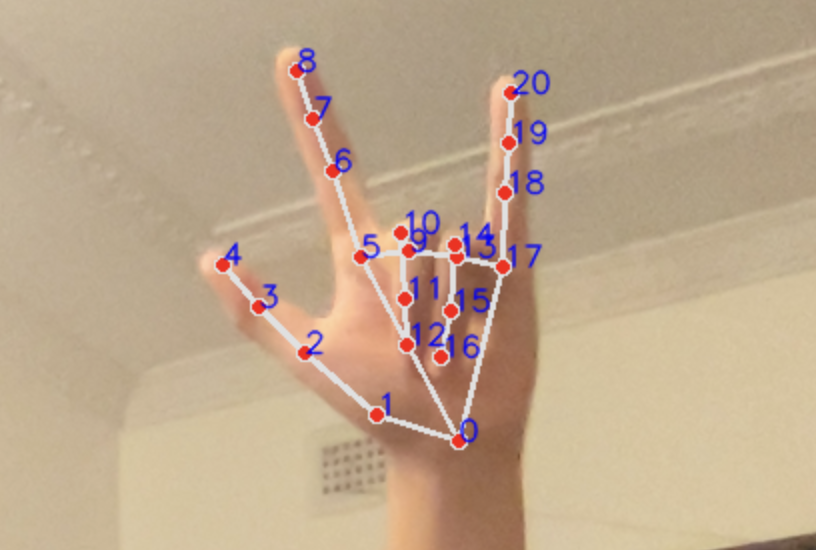
Zoom out by raising your index and pinky fingers.
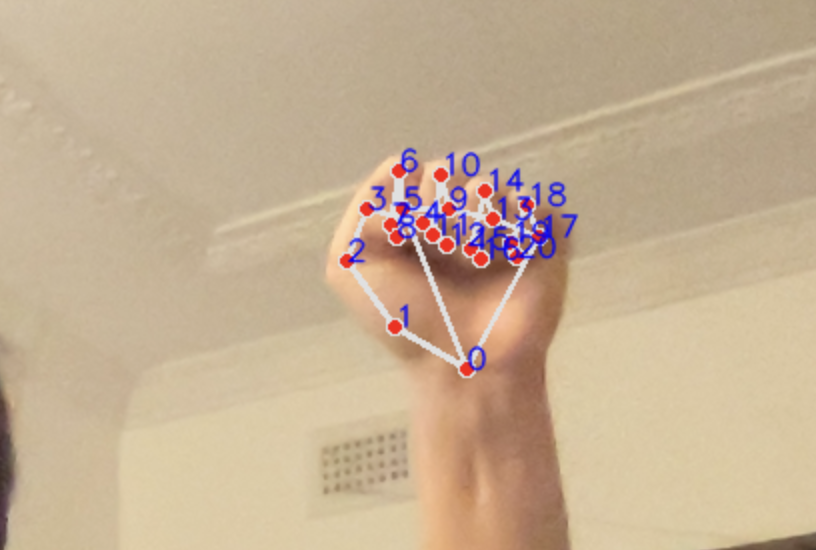
Hold all fingers down to drag items, lift to drop.
Follow these simple steps to set up the Hand Tracking Virtual Mouse:
Run this in your terminal:
pip install opencv-python mediapipe pyautogui
Execute the following command:
python app.py
Get the Python scripts required to run the application.
Download app.py Download controller.pyWatch how easy it is to control your computer with hand gestures.